Video marketing for financial advisors
Show up on video every week.
Cue Studio gives solo advisors and small teams a producer, an editor and a review-ready workflow in one browser tab. Record a guided video in about five minutes and walk away with three branded formats, captions, a transcript and a LinkedIn draft.
Start with a demo, then try Cue free for 14 days. After that, $49 per active seat each month. Cancel anytime.
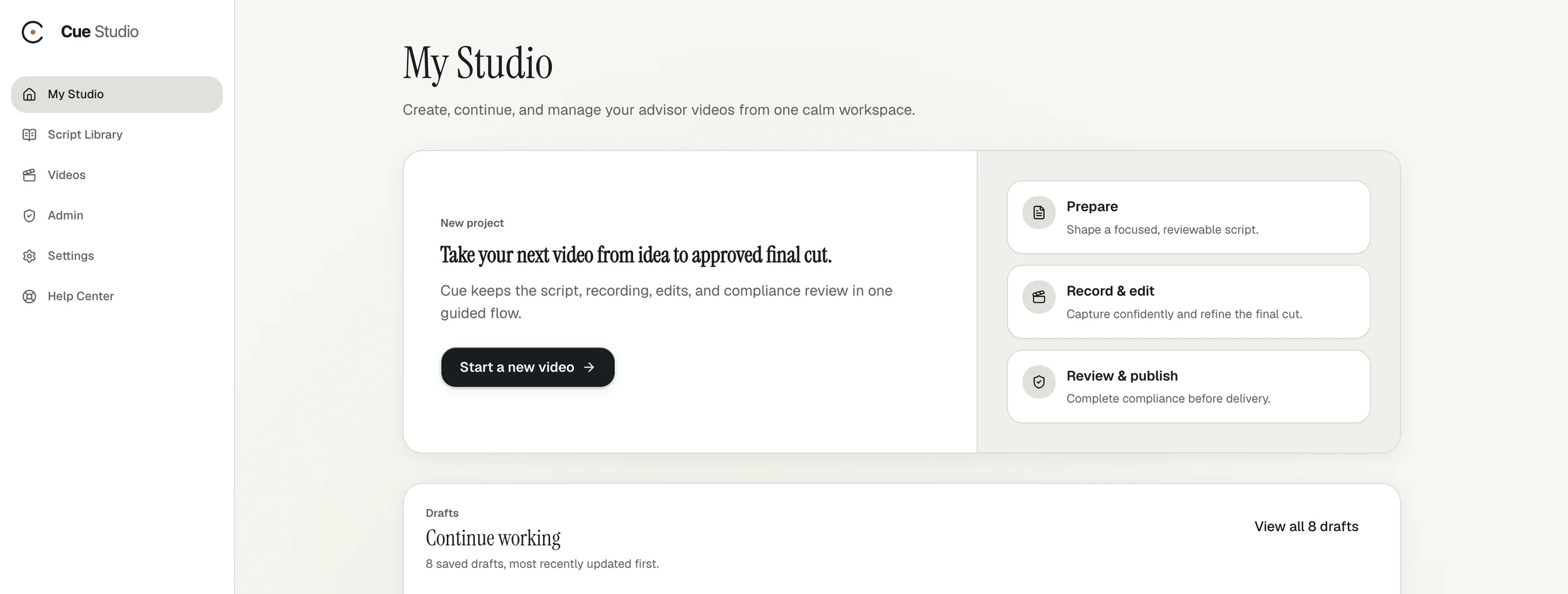
Built for one advisor, not a marketing team
Everything a video needs, in one sitting.
01
A script before the camera
Start from a trending article or your own topic and Cue drafts a script in your voice. Edit every word, then lock it.
02
A producer in the room
Camera check coaches your framing, lighting and audio before you hit record, so a great take never gets lost to a bad setup.
03
Done when you stop talking
Cut by editing captions. Cue renders 16:9, 4:5 and 9:16 versions, captions, a transcript and a LinkedIn post drafted in your voice.
What to record
Ideas for your first five videos.
The best advisor videos answer questions you already hear every week. Start with these.
- What I tell clients when markets drop
- The question I get asked most in first meetings
- Why I became an advisor
- One planning mistake I see every year
- What a first meeting with me looks like
Pricing
Try it free. Keep it if it sticks.
- A demo, then a 14-day free trial
- Then $49 per active seat each month
- Cancel anytime
- AI Twin videos at additional cost, billed by usage
How do financial advisors make marketing videos?
Most advisors need four things: a topic, a script, a clean setup, and a way to edit and caption the result. Cue Studio handles all four in one guided session: draft or pick a script, pass a camera check, record in your browser, and edit by removing caption words.
How long should a financial advisor's video be?
Short enough to finish watching. Cue handles videos up to about 20 minutes, but one to two minutes works well for a LinkedIn post.
Do I need a camera or editing skills?
No. Cue runs in your browser with your laptop's camera and microphone. Camera check tells you what to fix before you record, and you edit by deleting words from the captions.
Can I post Cue videos to LinkedIn?
Yes. Every session gives you a 4:5 version sized for the feed and a LinkedIn post draft in your voice. You download the approved package and publish through your firm's process.
What does Cue Studio cost for an independent advisor?
Cue Studio is $49 per active seat each month after a 14-day free trial. AI Twin videos are an additional cost, billed by usage.
Your expertise deserves an audience.
Bring a topic, a favorite blog post or this week's market commentary. We'll show you how Cue turns it into a finished video, then set you up with a 14-day free trial.