New
AI avatars for financial advisors
Your AI avatar. Your words.
Record one five-minute video in Cue and we build your AI Twin, an AI avatar of you. Then produce new videos from any script: your firm's library, one you write, or one Cue drafts. Every AI Twin video runs through the same review workflow as a video you record yourself.
AI Twin videos are an additional cost on top of your Cue Studio plan, billed by usage.
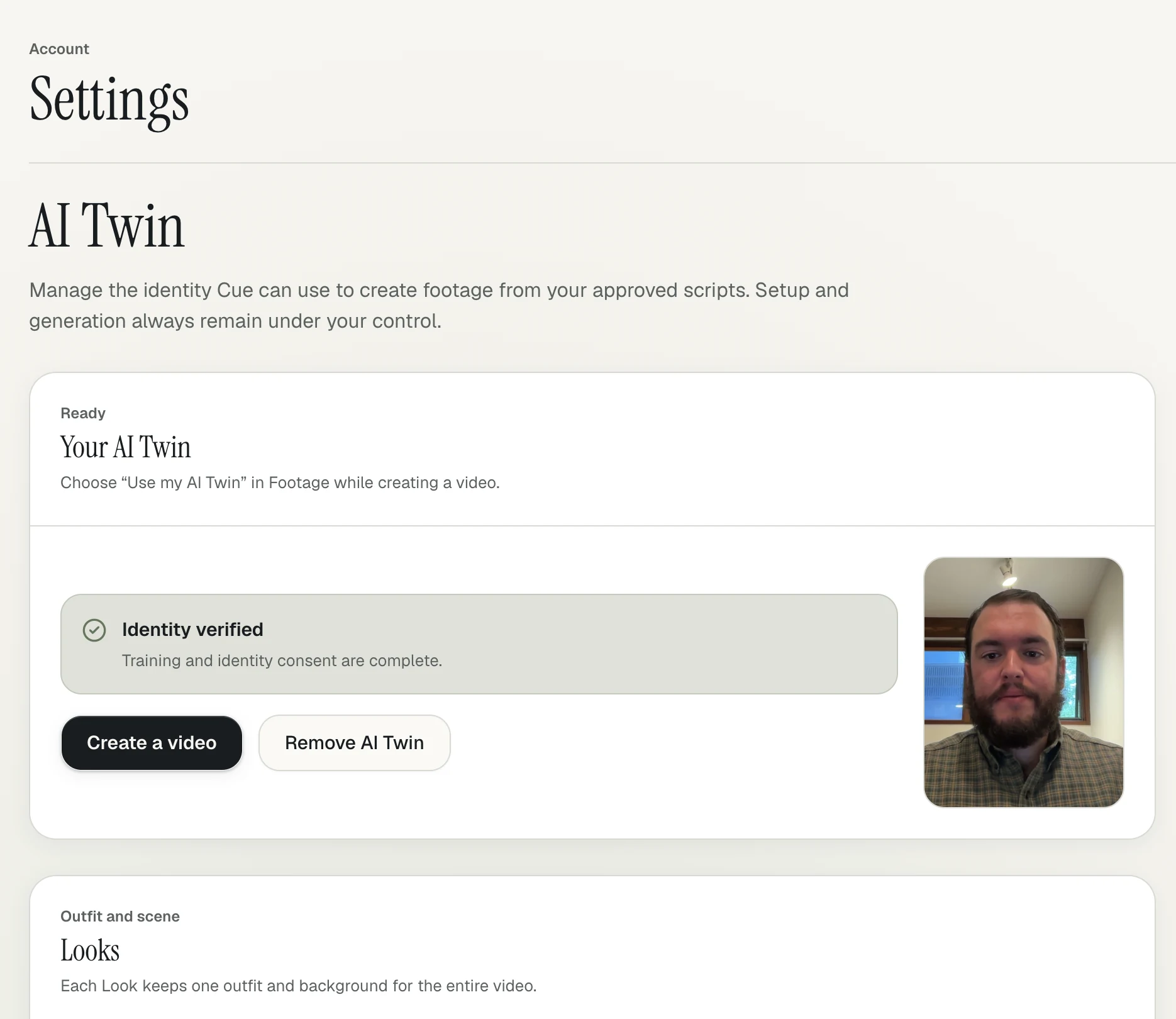
How it works
Five minutes on camera. Then your avatar takes it from there.
01
Record five minutes
One five-minute video in Cue is all it takes to start. Every recording you add after that makes your AI Twin better.
02
Confirm it's you
Before your AI Twin is created, you record a short consent video. Your likeness is only used with your permission.
03
Pick a script, get a video
Choose from your firm's approved library, write or upload your own, or draft with Cue. Your AI Twin delivers it on camera.
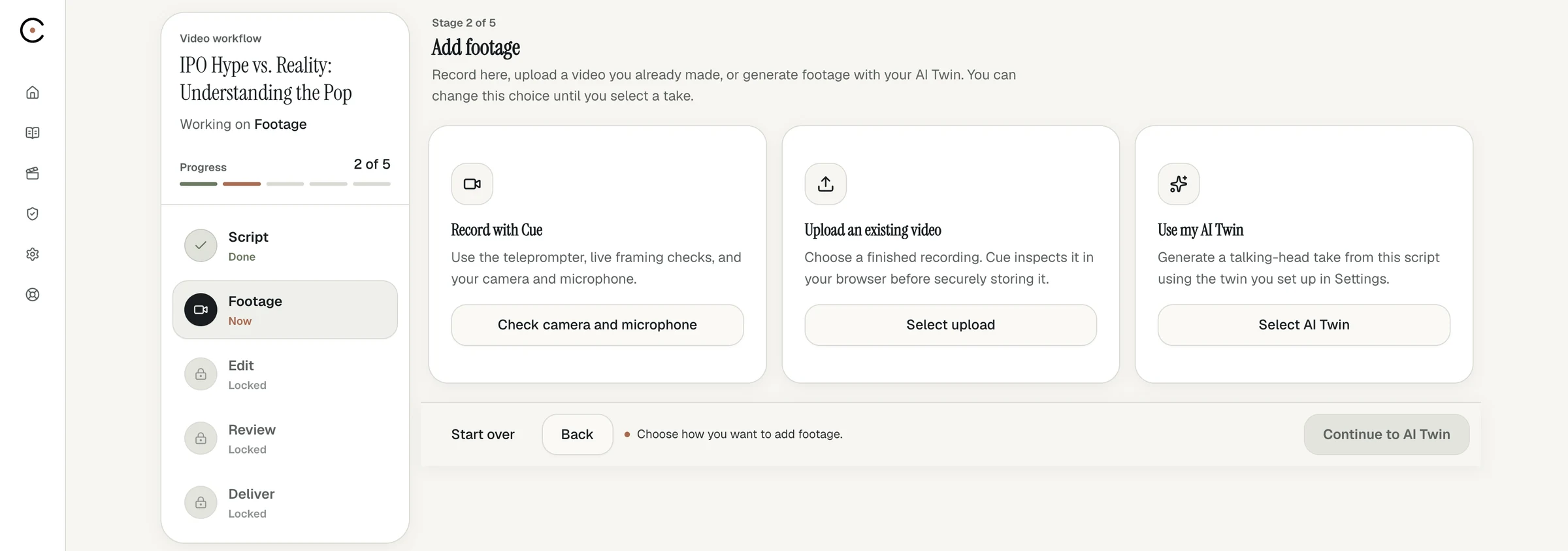
Same workflow
A new way to appear. The same way to review.
Locked scripts
The script your AI Twin delivers is locked, with the same audit trail as a recorded session.
Approved disclosures
Your firm-approved disclosure goes on the end card or in the post, exactly as it does today.
Advisor attestation
You attest before approval, the same as you would for a video you recorded.
The same package
Three formats, captions, a transcript and a LinkedIn draft, all in one system.
Cue supports your firm's review process. It does not certify that content is compliant.
Your likeness
Consent first. No training on your data.
Your recordings and your AI Twin are encrypted and never used to train general AI models. Your AI Twin is only created after you record your consent, and it's deleted when you or your firm ask.
How we handle your data →When to use it
Record when you want to. Use your avatar when you can't.
- A market update on a travel day
- A weekly series without a weekly shoot
- Firm campaigns where every advisor needs to appear
- Timely topics that can't wait for your calendar to clear
Can financial advisors use AI avatars in client videos?
Yes, with the same care as any other communication. An AI Twin video is still a message from you, so it needs the same review, disclosures and recordkeeping your firm applies to any video. Cue runs AI Twin videos through the same locked-script, disclosure and attestation workflow as recorded ones.
How much footage do I need to create my avatar?
One five-minute video recorded in Cue. More recordings produce a better AI Twin.
How do you make sure no one else creates an avatar of me?
Before your AI Twin is created, you record a short consent video confirming it's you and that you approve its use.
Is my footage used to train AI models?
No. Your recordings and your AI Twin are not used to train AI models.
What scripts can my avatar deliver?
Any script you can use in Cue: one from your firm's approved library, one you write, paste or upload, or one drafted with Cue from a trending article or your own topic.
Should I tell viewers a video uses an AI avatar?
Follow your firm's policy. If your firm wants AI-generated video labeled, you can include that language in the disclosure Cue places on the end card or in the social post.
How are AI avatars priced?
AI Twin videos are an additional cost on top of your Cue Studio plan, billed by usage. Book a demo and we'll walk you through it.
Record once. Keep showing up.
AI Twin videos are an additional cost on top of any Cue Studio plan, billed by usage. Book a demo and we'll get you set up.